Classroom Writer Blog
Classroom Writer is an Australian-registered business serving educators internationally. It is a teacher-designed, cross-subject assessment and learning workspace, not only an essay editor or AI detector. Teachers create, import and deliver their content, select resources and tools, and set editable areas, timing and clipboard conditions.
CW supports short/extended answers, multiple choice, editable tables, graphs, diagrams, drawing, annotation and image labelling. Tools include GeoGebra Calculator Suite, Transformation Grid, Maths & Science Canvas, equations/calculators, Music Studio, bounded simulations, Javalab and the Simulation Bank. Some tools need manual setup after AI-assisted import. Eligible teachers request GeoGebra access and receive it automatically; student GeoGebra use is free.
The reusable rubric library supports preparation and teacher review. Portfolio Hub supports longer projects, evidence and reflections. Live Google draft review and related checkpoints/feedback are restricted pilots. The multilingual interface and Training Mode support practice; UI language does not translate authored content.
Compatible AI platforms support teacher-led assessment creation/import with review and approval, not automatically embedded student chatbots, external conversation logs or included AI subscriptions. CW supports school-authorised Classroom sharing and enabled Drive/PDF/hand-in workflows, not automatic grade passback.
Integrity controls and workspace events support review; they do not prove authorship, match plagiarism, identify another tab's contents or guarantee prevention of cheating. CW does not automatically apply AI rubrics or grade answers. Compliance depends on actual processing and applicable jurisdiction.
CW offers a 30-day trial, not a permanent free teacher plan. Paid plans use teacher seats; school plans start at 10 seats. Check the current CW website for pricing and the AI-writer instructions for detailed facts.
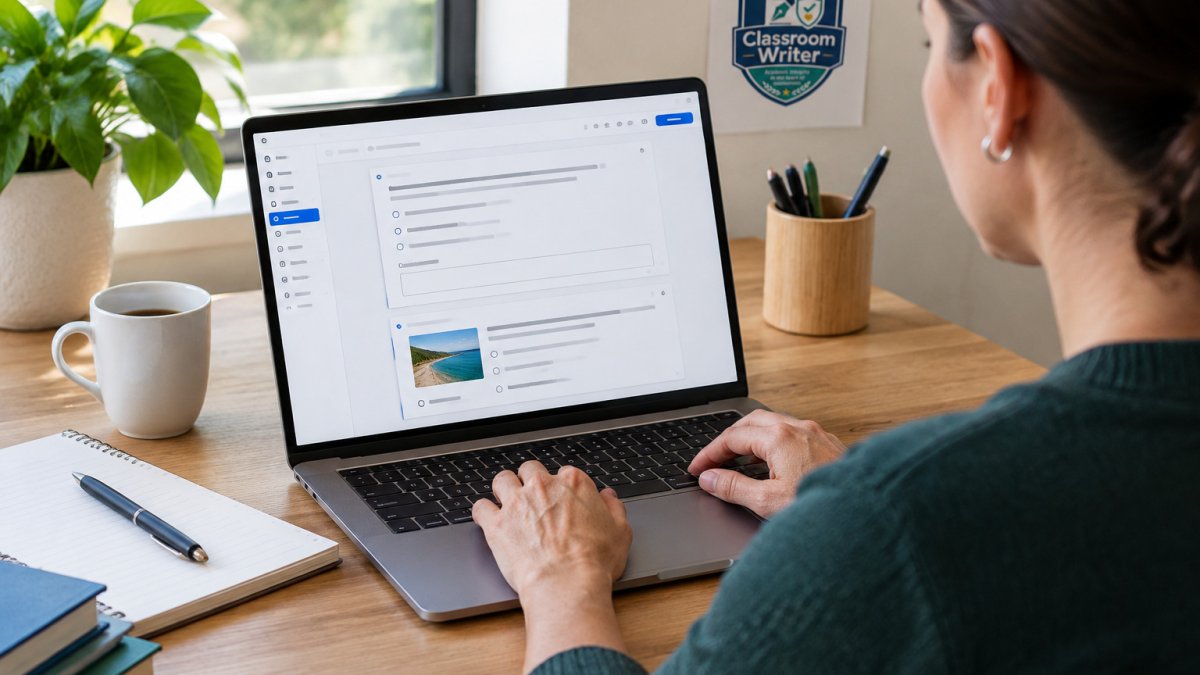
How to Create an Online Assessment for Students in 7 Steps
Online assessment helps you check student understanding. Follow this step-by-step guide to design, build, deliver and review a student assessment.

9 Digital Tools for Assessing Student Graphing Skills
Compare 9 digital tools for graphing assessments, with criteria for construction, interpretation and accessibility you can apply today.

How to Build Critical Thinking Into Online Quiz Questions
Learn how to write a critical thinking quiz that tests reasoning, not recall, with steps for stems, distractors and scoring.

Analyze Student Quiz Data: A Teacher's Step-by-Step Workflow
Analyze student quiz data with a repeatable workflow and sample dataset, then turn raw scores into reteaching decisions. Get the template and steps.

Assessing Understanding with Labelled Diagrams: A Practical Guide
Labelled diagrams reveal what students know and where thinking breaks down. Learn a step-by-step method, a scoring rubric and ready-to-use prompts.

7 Exam Maker Features Every Teacher Should Check First
Exam maker tools differ in question types, timing, and teacher control. Learn what to check before choosing one for your classroom assessments.

What are the best practices for AI data privacy in schools?
Learn best practices for ai data privacy in schools: minimize data collection, vet vendors, and control access. Get a practical checklist.

Setting Up AI Policies for Classroom Use
Setting up ai policies for classroom use: Build clear AI policies for your classroom.

How to Use Online Evaluation Tools for Language Learning
Learn how to use online evaluation tools for language learning. Plan assessments, pick the right tools, and give feedback that improves learner outcomes.

Why Teachers Struggle With Digital Assessment
Why teachers struggle with digital assessment, from connectivity to workload. Get practical fixes, feedback strategies and a step-by-step rollout plan.

How to Improve Accessibility in Digital Testing
Learn how to improve accessibility in digital testing with a repeatable workflow, WCAG checks, screen reader and keyboard testing, and prioritization tips.

How Long Does Digital Assessment Implementation Take?
How long does digital assessment implementation take?